
Exporting chord diagrams
Exporting chord diagrams
Export a single chord
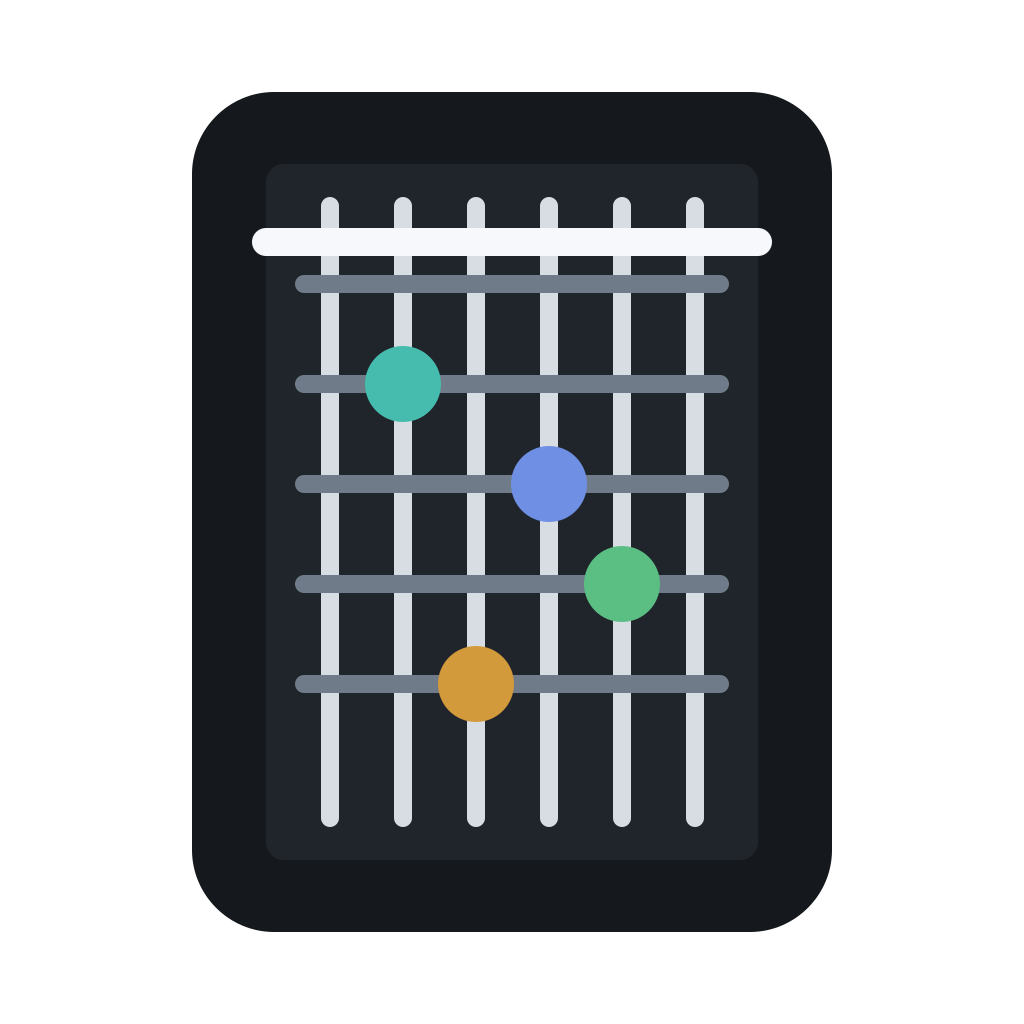
Select the voicing you want. Click Export. Choose format: PNG (image), PDF (document), or Markdown (text).
The export dialog lets you set resolution (for PNG), page size (for PDF), and whether to include finger numbers, muted/open string indicators, and fret position labels.
Export a progression chart
In progression mode, Export saves the entire progression as a chord chart: the chord symbols above, the fretboard diagrams below. This is useful for lead sheets where the player needs to see both the chord name and a suggested voicing.
Format-specific tips
- PNG at 300 DPI for printed handouts or lesson materials
- PNG at 150 DPI for screen sharing, social media, or embedding in websites
- PDF for lesson plans with multiple diagrams on one page
- Markdown for documentation or README files where images aren't supported