
Vendor support evidence
VLC plays but the VMS cannot decode H.265
Sample RTSP Inspector report for a camera stream that plays in VLC but fails in a VMS due to H.265 and SDP compatibility details.
HTML preview
Evidence handoff preview
Failure boundary
RTSP control succeeded and RTP media arrived. The failure is at the H.265 compatibility and decoder-readiness boundary used by the VMS. Likely cause
The camera profile advertises or delivers H.265 in a way accepted by VLC but rejected by the target VMS decoder or ingest profile. Raw evidence excerpt
DESCRIBE and PLAY succeed; RTP payload arrives; SDP advertises H.265/HEVC; VMS ingest rejects codec/profile while VLC playback is tolerant.- Summary The stream is reachable and a tolerant player can show video, but the VMS requires a stricter H.265 profile and stable SDP/codec signaling. The evidence points to codec compatibility, not RTSP authentication or network reachability.
- Confidence Medium-high
Evidence screenshots
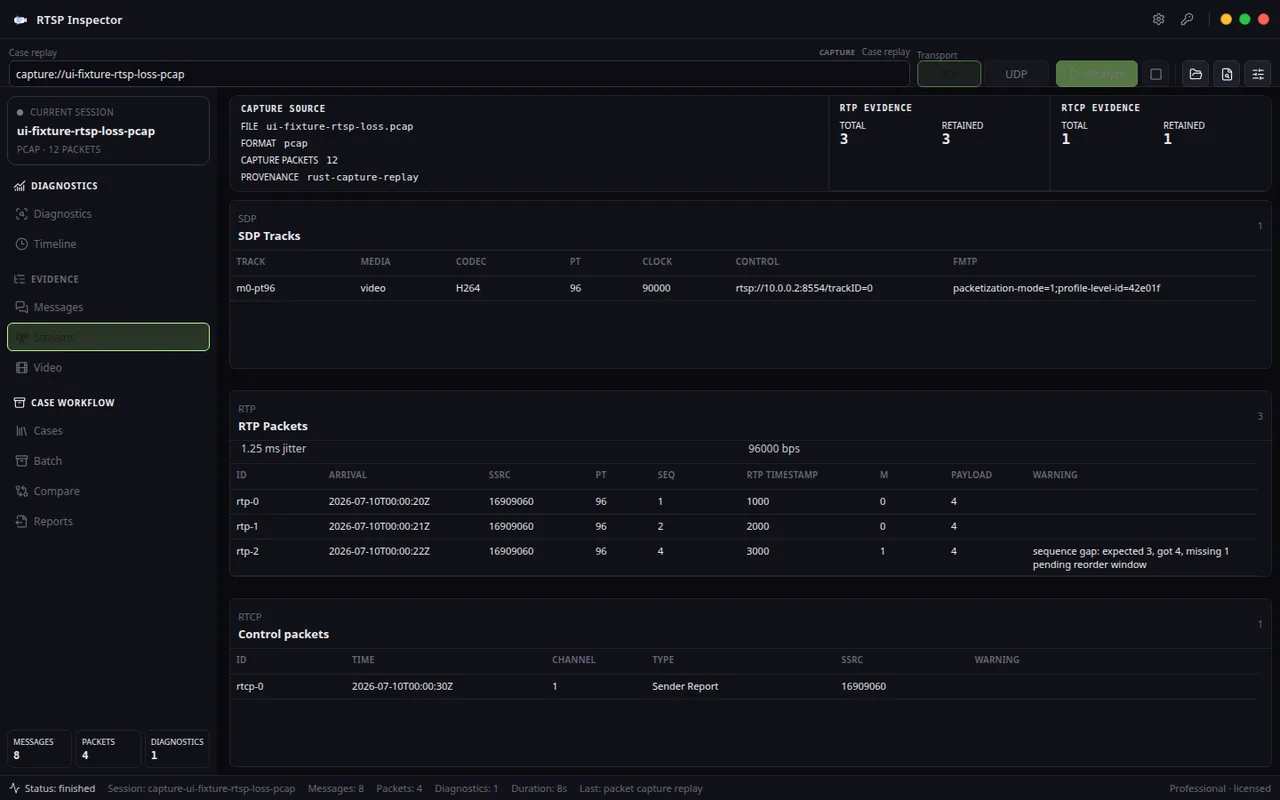
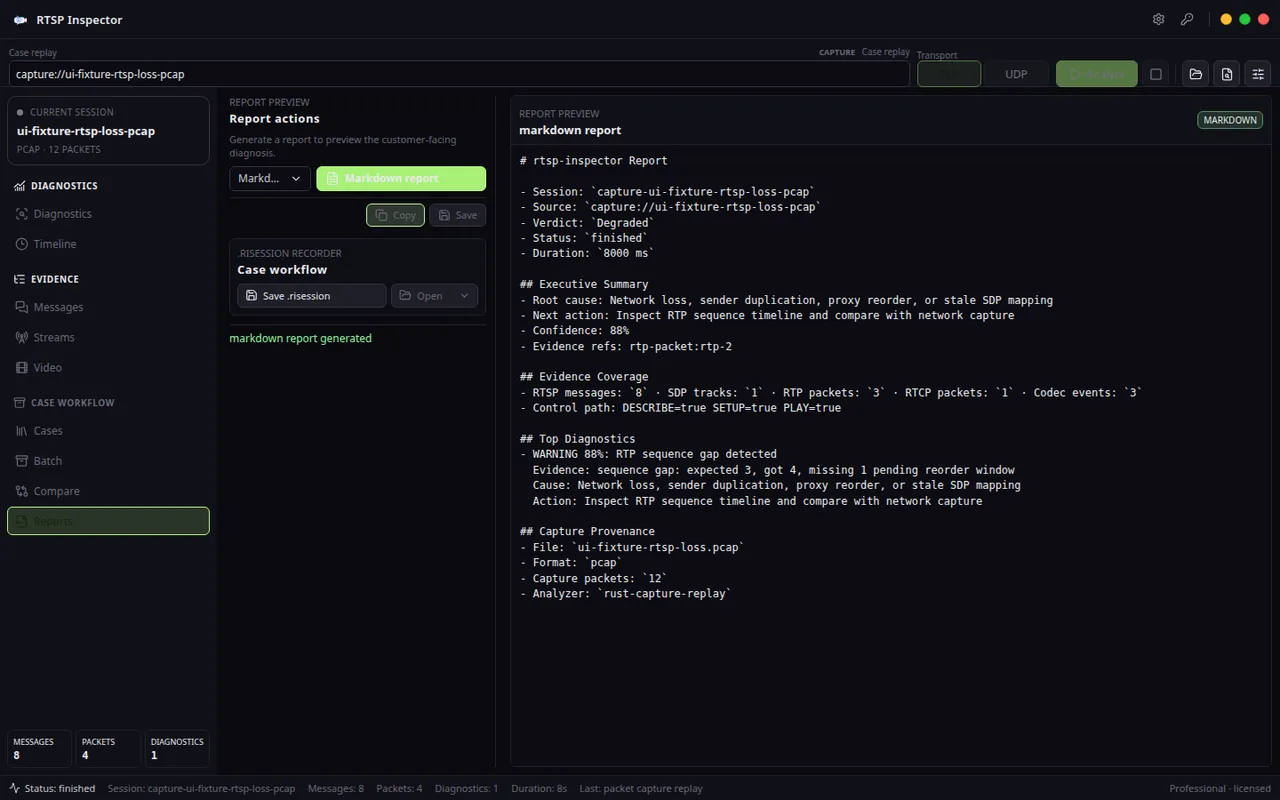
Evidence table
| Layer | Finding | Implication |
|---|---|---|
| RTSP control | DESCRIBE and PLAY succeeded against the camera URL. | The RTSP URL, login, and session sequence are not the main failure. |
| SDP | The video track advertised H.265/HEVC parameters that require strict downstream support. | A VMS profile mismatch can fail even when VLC is tolerant. |
| RTP | Media packets arrived with expected payload type and timing. | Packet delivery is present; decode policy is the next boundary. |
| Codec readiness | The report flags H.265 compatibility as the top video finding. | Switching to H.264 or changing the camera profile is the fastest isolation test. |
Recommended fix
- Switch the camera stream profile to H.264 and retest the same VMS path.
- If H.265 is required, match the camera profile, level, and parameter-set behavior to the VMS supported ingest profile.
- Use the substream as a control case to prove whether the issue follows codec/profile rather than network path.
- Send the SDP and codec-readiness section to the VMS vendor instead of reporting only that VLC can play the stream.
RTSP Inspector turns RTSP control, SDP, RTP, RTCP, codec readiness, and transport findings into local PDF, HTML, Markdown, JSON, and saved .risession evidence.